Why Shipping Labels Are a Silent Bottleneck for Indian E-Commerce Sellers
AI-powered label cropping for Meesho, Flipkart & Amazon — all in one free tool
If you're an e-commerce seller on Meesho, Flipkart, or Amazon, you already know the pain: you download a batch of shipping labels, and then you're stuck manually cropping, resizing, and aligning each one before printing. For sellers handling 50, 100, or even 500+ orders a day, this is a massive time drain that costs real money.
That's exactly the problem that E-LabelCrop was built to solve. It's a free, web-based, AI-powered tool that automatically crops and formats shipping labels for India's top e-commerce platforms — with zero installation required.
⚡ Quick Summary: What is E-LabelCrop?
E-LabelCrop is a completely free, browser-based AI tool that crops, resizes, and sorts shipping labels for Meesho, Flipkart, Amazon, and more. No sign-up, no installation, no hidden charges.
Platform-Specific Label Croppers — Built for Indian Sellers
E-LabelCrop offers dedicated label cropping tools for each major e-commerce platform, each optimized for that platform's specific label dimensions and packaging guidelines.
Meesho Label Cropper — Fast & Free
The Meesho Label Crop Tool is the most popular feature on E-LabelCrop. Upload your Meesho shipping PDF and the AI instantly crops, aligns, and resizes all labels to perfectly match Meesho's packaging guidelines.
- ⚡ One-click cropping for bulk Meesho shipping labels
- 🧠 Auto-sorting of labels according to SKU ID for easy fulfilment
- ✅ 100% compliant with Meesho's packaging & barcode standards
- 🔒 Files are never stored — complete privacy guaranteed
Flipkart Label Cropper — Ship Faster
The Flipkart Label Crop Tool eliminates manual resizing entirely. The smart detection technology identifies your Flipkart labels and optimizes them to meet Flipkart's shipping standards automatically.
- ⚡ Instant label cropping & resizing with AI precision
- ✅ Fully optimized for Flipkart's shipping standards
- 💡 Smart detection technology — no manual adjustments needed
- 💼 Designed for high-volume Flipkart sellers
Amazon Label Cropper — Error-Free Printing
The Amazon Label Crop Tool is built for speed and compliance. It meets Amazon's strict packaging and barcode requirements to ensure every label is print-ready and scannable.
- ⚡ One-click Amazon label cropping & formatting
- 🎯 AI-enhanced precision for Amazon's packaging standards
- ✅ Error-free cropping for hassle-free, scannable printing
- 💼 Handles bulk orders for busy Amazon sellers
More Than Label Cropping — A Full PDF Toolkit
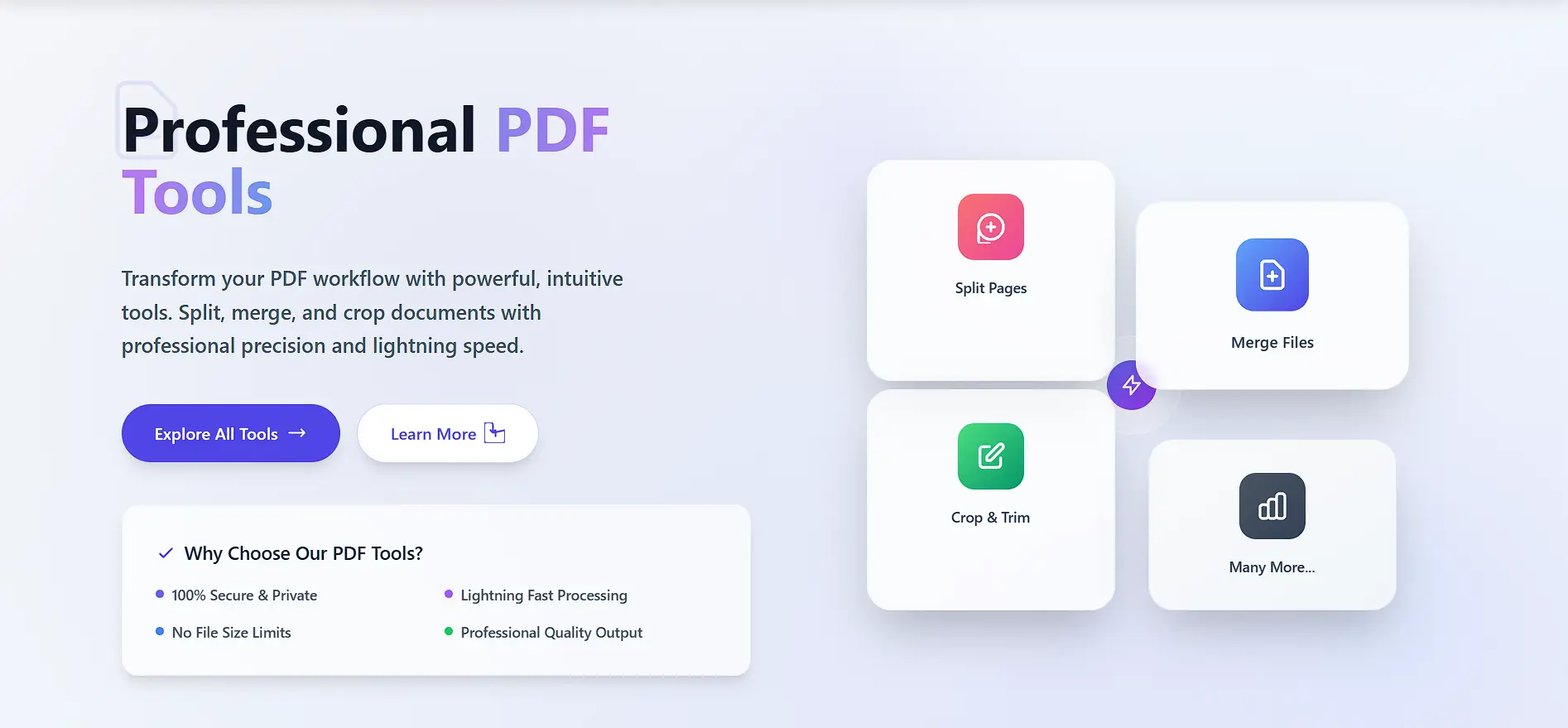
Beyond label cropping, E-LabelCrop also offers a complete set of free PDF utilities for e-commerce sellers:
Merge PDF
Combine multiple shipping label PDFs into a single file. Perfect for bulk printing all orders in one go.
Try Merge PDF →Manual Crop PDF
Precise manual cropping for any PDF document when you need custom control over margins and regions.
Try Crop PDF →Image to PDF
Convert JPG, PNG, and other image files into PDF format. Ideal for turning label screenshots into printable PDFs.
Try Image to PDF →Rearrange PDF Pages
Reorder pages in any PDF document with drag-and-drop ease. Organize your shipping label batches exactly how you need them.
Try Rearrange Pages →Compress PDF
Reduce PDF file sizes without losing quality. Share your label batches over WhatsApp or email without size issues.
Try Compress PDF →Protect PDF
Add password protection and permissions to your PDFs. Keep your business documents secure from unauthorized access.
Try Protect PDF →Why Wrong Shipping Labels = Lost Revenue
Many sellers underestimate how much a poorly formatted shipping label can cost them. Here's the reality for Indian e-commerce sellers:
Non-scannable or misaligned barcodes are a leading cause of Return To Origin (RTO) shipments, costing sellers shipping fees with no revenue.
High-volume sellers can spend 2–4 hours daily on manual label formatting — time that could be spent growing the business.
E-LabelCrop solves all of this at zero cost — no subscription, no registration, no limitations on daily use.
How to Use E-LabelCrop — 3 Simple Steps
Select Platform
Choose your platform — Meesho, Flipkart, or Amazon — from the E-LabelCrop homepage. Each has its own dedicated tool.
Upload Your PDF
Upload your shipping label PDF — you can upload multiple files at once for bulk processing.
Download & Print
The AI crops, aligns, and resizes all labels instantly. Download the perfectly formatted PDF and print directly.
Key Features That Make E-LabelCrop Stand Out
AI-Powered Auto Cropping
No manual selection needed. The AI detects the label area and crops it to perfect dimensions every time.
SKU-Wise Sorting
For Meesho sellers, labels are automatically sorted according to SKU ID, making fulfilment faster and error-free.
No Installation Required
Fully web-based. Works on any device — desktop, tablet, or mobile — without installing any app or software.
Zero Data Storage
Your files are processed instantly and never stored on their servers. Complete data privacy for your business.
Lightning-Fast Performance
Process and download hundreds of labels in seconds, not minutes. Built for the speed demands of high-volume sellers.
Completely Free
No subscription plans, no hidden fees, no per-download charges. Every tool on E-LabelCrop is 100% free to use.
Before E-LabelCrop, I used to spend nearly 2 hours every morning cropping Meesho labels manually. Now it's done in under 5 minutes. The SKU-wise sorting alone has eliminated packing mistakes. I can't imagine running my store without it.
— Priya S., Meesho Seller, Surat
Frequently Asked Questions
Is E-LabelCrop completely free to use?
Yes, absolutely. All of E-LabelCrop's tools — including label cropping for Meesho, Flipkart, and Amazon, PDF merging, compression, and protection — are completely free with no hidden charges or subscriptions.
Does E-LabelCrop store my shipping label data?
No. E-LabelCrop processes all files instantly in-browser and never stores them on any server. Your label data and order information remain completely private and secure.
Can I crop shipping labels in bulk?
Yes. E-LabelCrop supports batch processing — you can upload multiple PDFs at once, and the tool will crop and format all of them simultaneously, which is essential for high-volume sellers.
What is SKU-wise label sorting and how does it help?
After cropping your Meesho labels, E-LabelCrop can automatically sort them by SKU ID. This means your warehouse team can pick and pack items in order, reducing mistakes and speeding up the entire fulfilment process.
Does it work on mobile devices?
Yes. E-LabelCrop is fully web-based and works on any device including smartphones and tablets. No app download or installation is required — just open elabelcrop.com in your browser.
Final Verdict: Is E-LabelCrop Worth Using?
For any seller on Meesho, Flipkart, or Amazon — the answer is a clear yes. The combination of AI-powered label cropping, SKU-wise sorting, multi-platform support, and a completely free pricing model makes E-LabelCrop one of the most practical tools for any Indian e-commerce seller's daily workflow.
Whether you're just starting out or processing thousands of orders a day, automating your label workflow with E-LabelCrop directly reduces RTO rates, packing errors, and wasted time — all for free.
Start Cropping Your Shipping Labels for Free
Join 5,000+ sellers who already use E-LabelCrop to save hours every week on label processing.